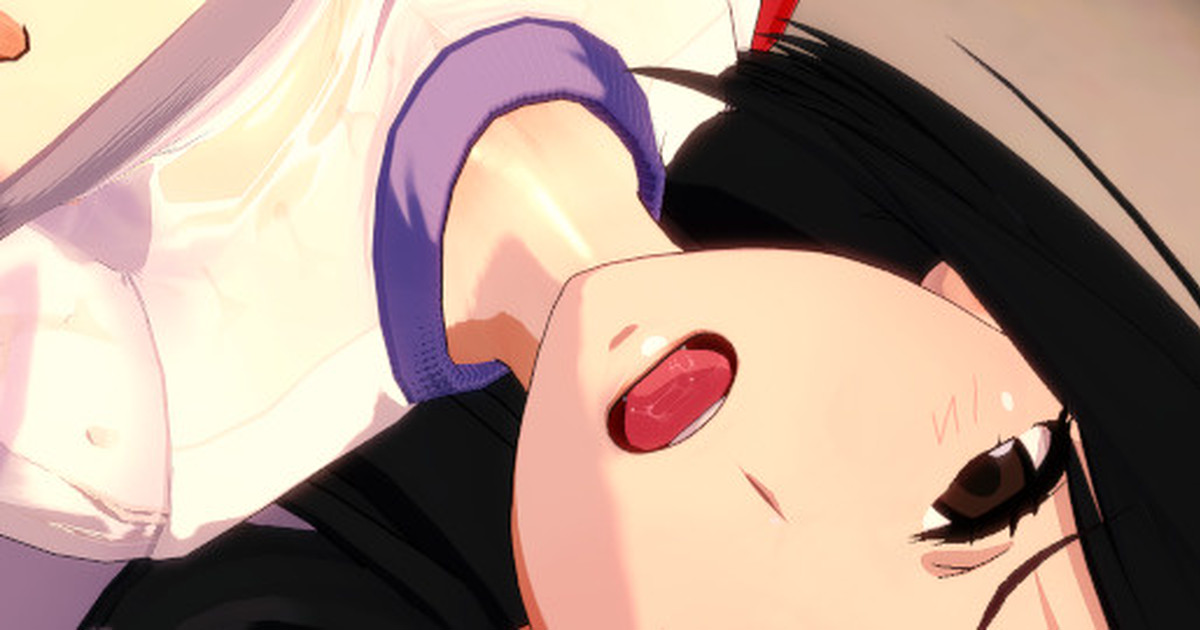
How do we swap character properly? When swap, the hand on chest is hanging in air, any possible solution?
The boy’s hand is attached to the boob using a Node Constrict, meaning when the “Parent” (Right Boob) moves, the “Child” (Right Hand) moves with it. If you change the girl to one that has bigger or smaller boobs, the boobs will change size but the hand will stay in the same spot.
For this scene specifically you need to do this:
Open KKPE on the girl you imported and search for “cf_j_bust01_R”, which is a bone in the right boob, reset it’s Position and Rotation. This is okay because the animation also changes this. Don’t click the dot for Symmetrical or adjust the left boob as it is not affected in the animation.
Now open the Node Constrict menu, which should be Ctrl+I. Search for hand, finding the one that links to “cf_j_bust01_R”. Click on the dot on the left side of the name, this disables the link, which also moves the hand to a neutral position. Now adjust that hand’s position and rotation to where you want it.
When you’re satisfied, go back to the Node Constrict menu. Click on the link that you just disabled, bust to hand.R, so it is highlighted. At the top of the menu will be 3 “Link” lines, these adjust the Position, Rotation, and Scale of the hand moving with the boob.
Just click “Use Current” on Position and Rotation. No need to adjust scale cause hands don’t just grow or shrink. Then click “Update Selected”, which updates the Constrict to use the new current values.
Now when you click on the dot to re-enable the link. The hand should remain in the same position. If you did all the Node Constrict menu stuff without first resetting the boob in KKPE, the hand would move to the wrong spot when re-linking because it’s trying to link to the moved position and rotation of the boob.
Now when you play the animation, the hand should move normally with the boob, but not perfect because naturally there will be clipping unless you adjust the animation perfectly.
Also to answer your questions you had on my profile:
1. I don’t really have a guide or anything for Koikatsu, I learned most stuff from looking at other animator’s scenes and seeing how they made something move, or how they made a certain effect, and experimenting myself. I do look at the Koikatsu Discord for latest mods/plugins I use/like, or search there for things I don’t understand.
2. For the dialogue in studio, I’m guessing the best thing for that would be to extract the voice files from the game, then making a soundmod from the clips so they can be played in studio. I don’t have knowledge of making mods so I can’t help there.
Usually scenes are made without sound, and are edited in with a video editor later.
This scene has SFX playing, so you could use this scene as guide for other ones you’re interested in.