T
tytyty2999
Veteran Member
Do you have the previous scenes? 102 and 103? I don’t remember sharing them before

Gofile - Cloud Storage Made Simple
Secure, fast and free cloud storage solution. Upload and share files instantly.
 gofile.io
Do you have the previous scenes? 102 and 103? I don’t remember sharing them before
gofile.io Do you have the previous scenes? 102 and 103? I don’t remember sharing them before


 www.pixiv.net gofile.io
By chance, do you have sixswanplus 91?Gofile - Cloud Storage Made Simple
Secure, fast and free cloud storage solution. Upload and share files instantly.

ThanksGofile - Cloud Storage Made Simple
Secure, fast and free cloud storage solution. Upload and share files instantly.
I check the forum constantly and I don’t remember downloading the fileKoikatsu card sharing request thread. コイカツ koikatu!
Koikatsu card sharing request thread. コイカツ koikatu!kk.now.cc


https://gofile.io/d/TYwVf6 Here you go.Sorry but do you have these older scenes? From the same author mk356
https://www.pixiv.net/en/artworks/126939964
https://www.pixiv.net/en/artworks/127072156
https://www.pixiv.net/en/artworks/127181980
Thx you my man 🤩https://gofile.io/d/TYwVf6 Here you go.


If you only want to create a transparency effect in certain parts of the garment (like the nipples), you can use gray. For clothing, I typically use black (to remove or "eliminate" or hide the visibility of the texture—but not the UV map), gray (transparency), and white (what's visible). Of course, green and yellow aren't useless, but using them together in a single alpha mask is confusing. Yellow and green serve the same purpose as black and white, but you can also use gray there, although body alpha masks are mostly used to hide and prevent clipping of clothing around nipples or other prominent areas.It's been a while since I last launched this game, so I've forgotten some basic controls.
In order to create transparent clothing effects, after loading a yellow body alpha mask, how can I prevent nipples from clipping through the outfit? Is it something related to render queue or the alpha mask of the clothes?
www.pixiv.net  koikatsu-info.net
 bumpanyone have bt1 scene 128? https://www.pixiv.net/en/artworks/137923394
Still looking for all of Carl950's "For Pizza" passwords or scenes.
Still looking for all scenes from ぶ==ん that aren't on Kemono, which only goes up to #27.

ぶ==んのイラスト
KKユーザーです。 オリジナルのアニメーションシーンを作成しています。 Im Japanese and KK user. Original animated scenes are created.
Still looking for this scene from 5p3ct3rs:

[R-18][Pk]NTRLeader Ice Guru♀️&Melony
[Patreon] SD + Extra https://www.patreon.com/posts/71798319 [Fanbox] extended video + Extra https://x5p3ct3r.fanbox.cc/posts/4427572

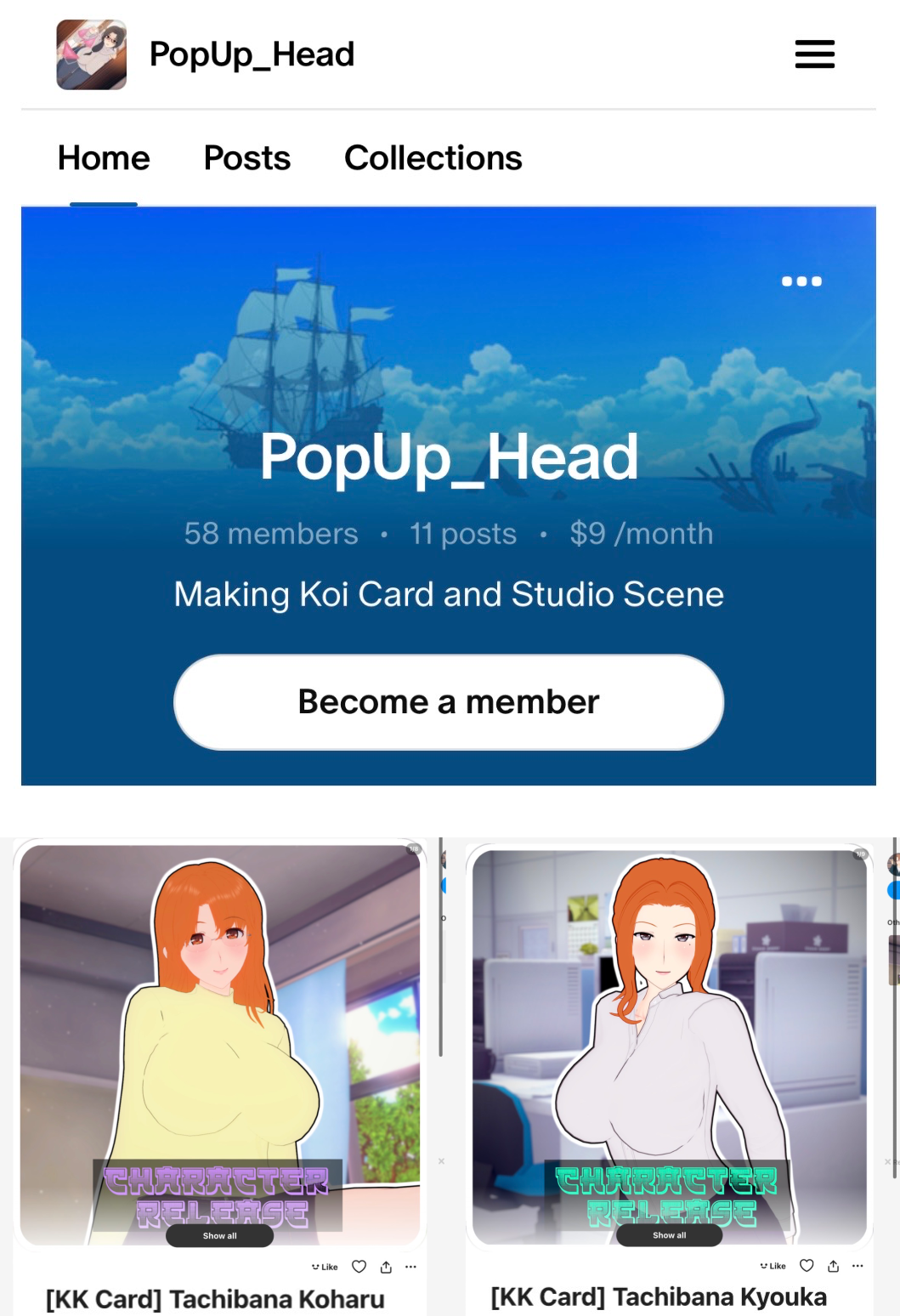
Damn then who’s Koharu & Kyouka is that then.
 www.pixiv.net
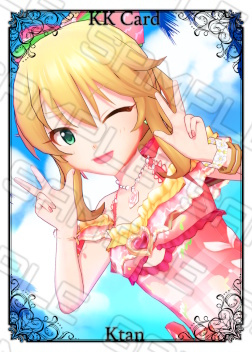
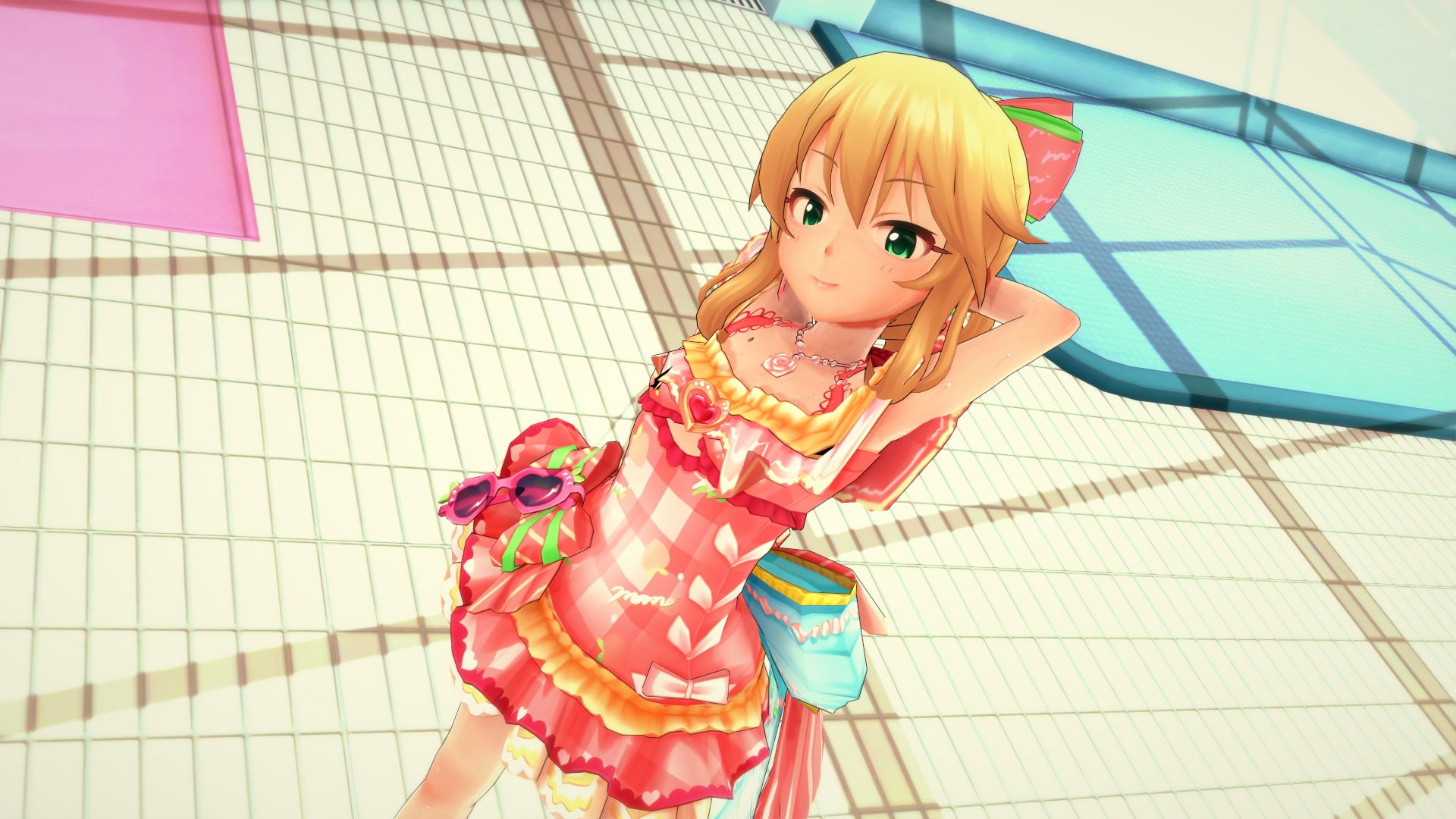

Could you share it? ThxWhile clean up my old collection, I found some interesting pieces. If anyone is interested, I'll share them when I have some free time.
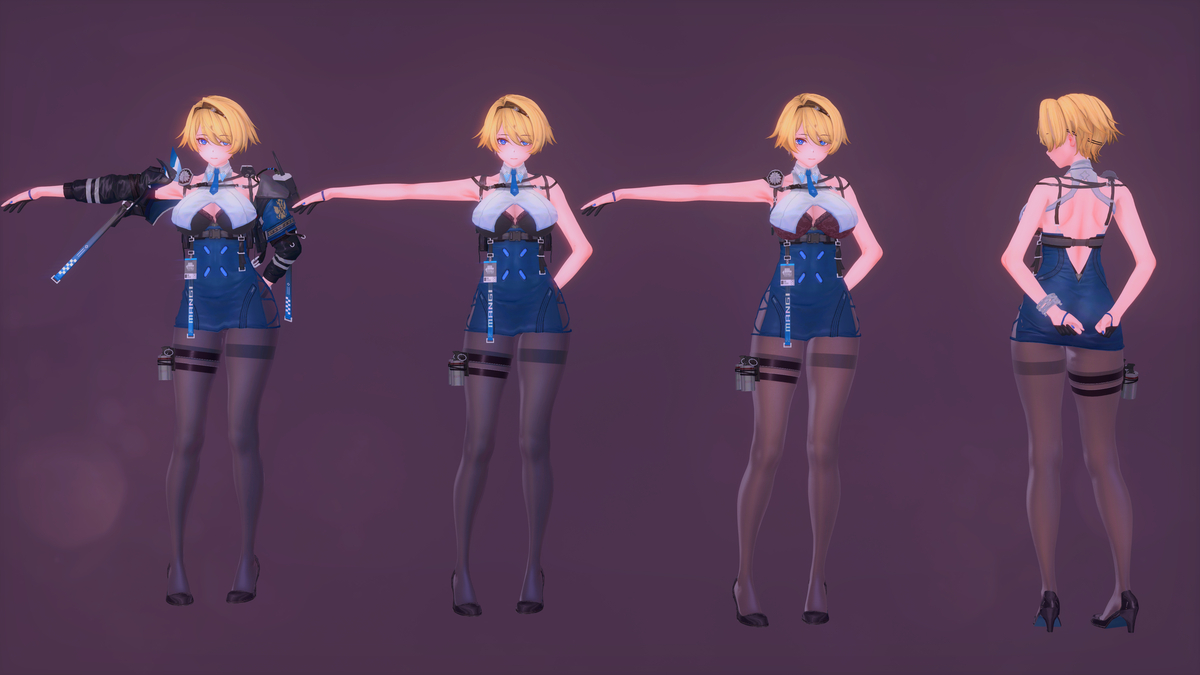
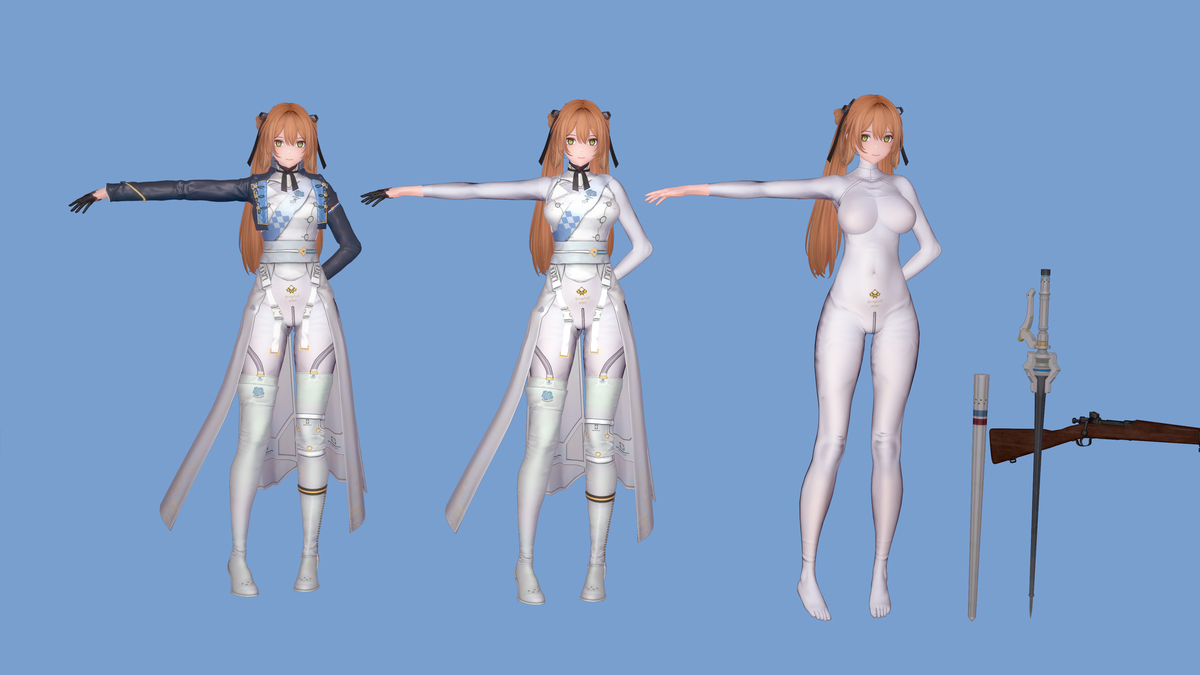
 www.pixiv.net
  envenenado.gumroad.com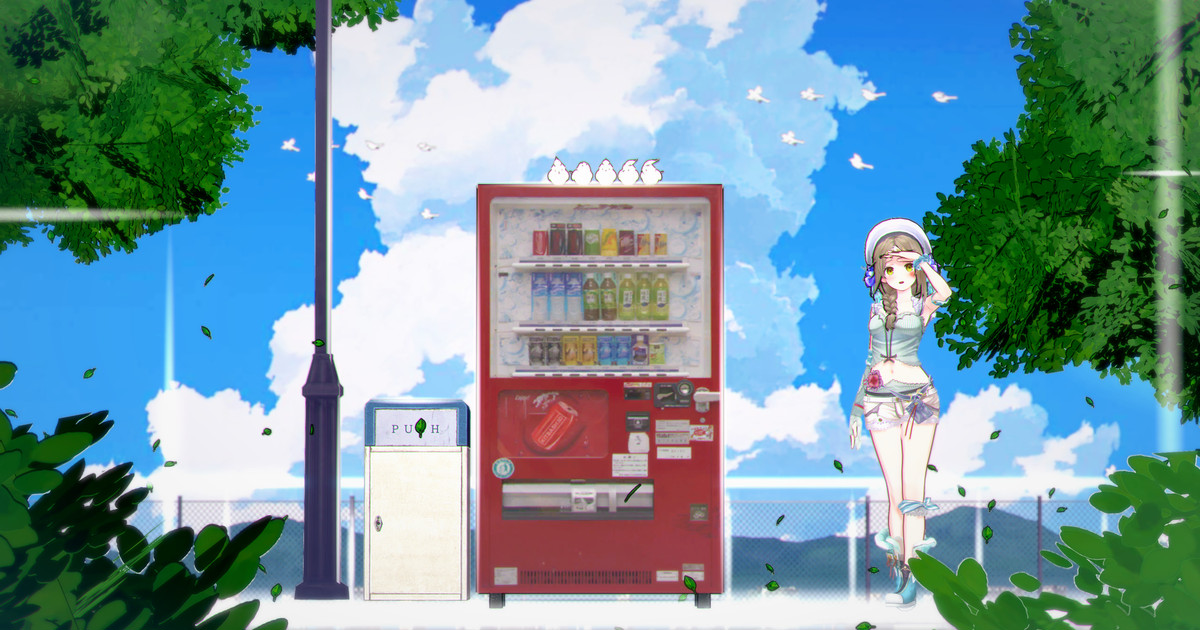

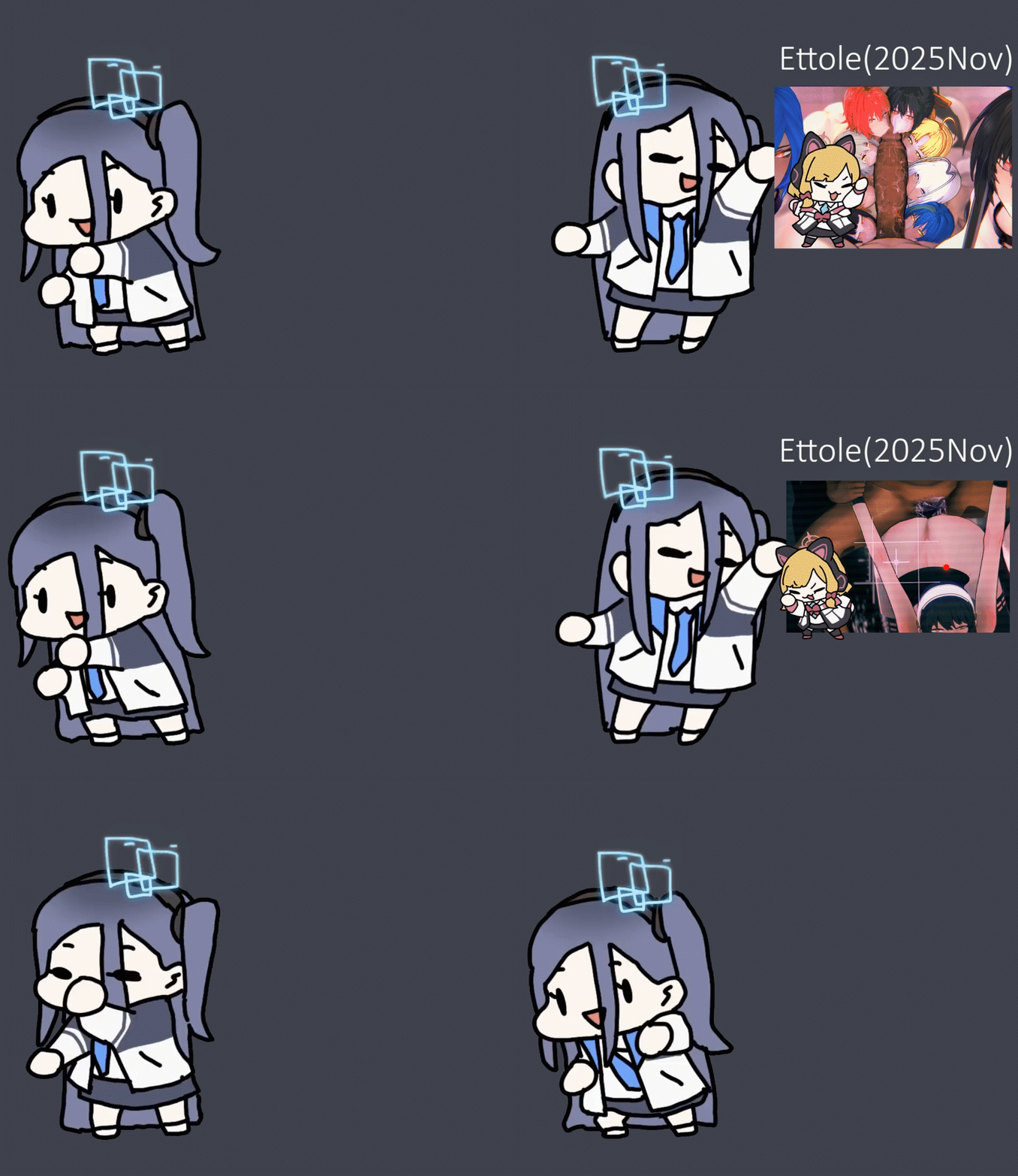
Ettole/ エットレ (2025 November) | Format_Max (#46)
Gofile - Cloud Storage Made Simple
Secure, fast and free cloud storage solution. Upload and share files instantly.
I've already retired from sharing and I rarely check on this forum. So....
 gofile.io


sixpluswan #104




 gofile.io
 By chance, do you have sixswanplus 91?
gofile.io 
HereAnyone have this card?
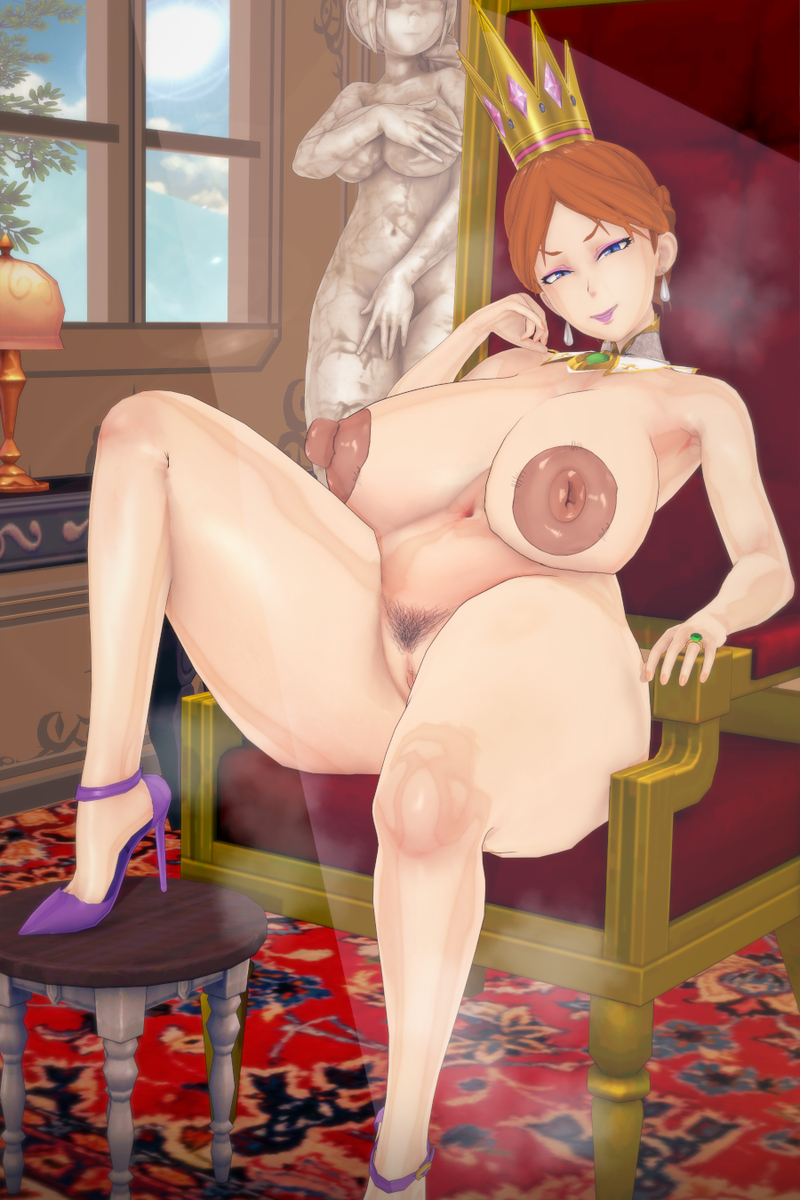
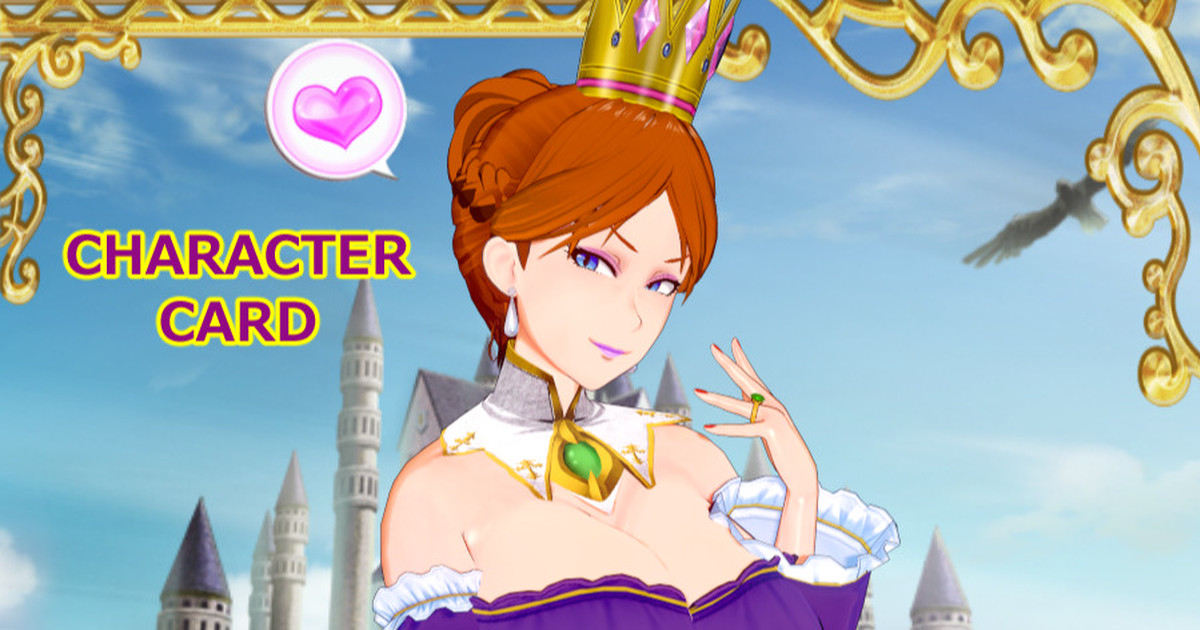
[R-18]最近、調子乗ってるゴブリンに釘を刺す王妃。
初見さんのために説明しておきますと、この王妃の名前は『ラヌヴィア』って言います。 あと、要望があったのでFANBOXの方にキャラカードを配布しました。 →https://gaidesu.fanbox.cc/posts/8351771
HereBUMP