Using the general scale adjustment; select the model you want to adjust, activate the gizmo (axis) and among the three options (position, rotation and scale) select scale and adjust the length (height) or width (vertical or horizontal), and by selecting the gizmo itself (the center) you can modify everything equally (sometimes this is ideal to avoid long faces or slenderman arms.
Another option is the
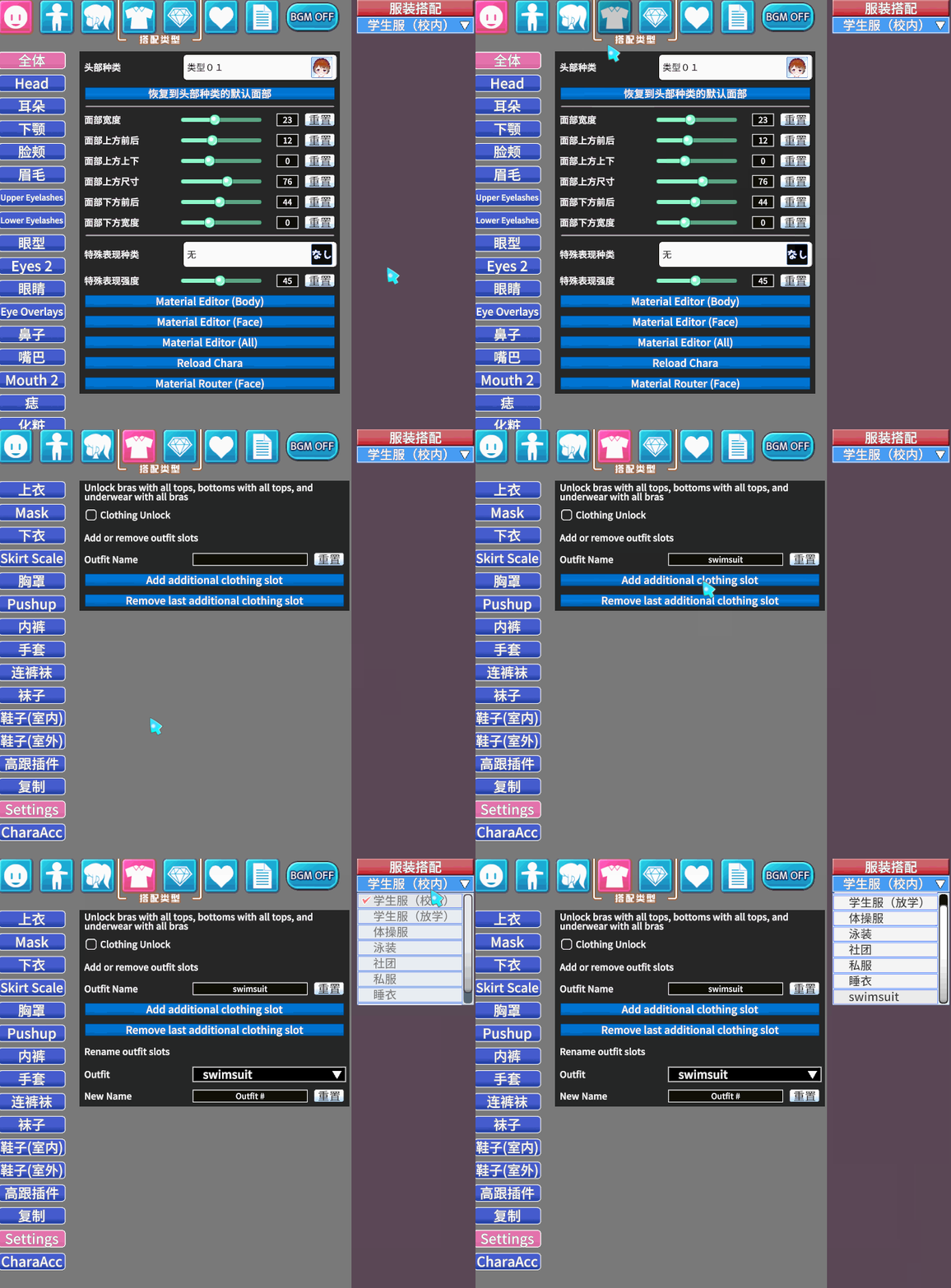
StudioPseudoMaker plugin, which basically lets you open a window with a section similar to CharaMaker. However, you can't save the character card itself there; you can only change or copy the size of the body and head of another character. It also allows you to modify clothing and accessories, although, as I mentioned, this is only saved to the SD card, not to the character itself.
I would even suggest exporting it once you've adjusted the size, but sometimes abmx crashes and the models export with issues related to weight paint.