
NobleSolaire
Veteran Member
Would anyone have any of Bezz/bz3dx's stuff? https://www.patreon.com/bz3d They don't seem to have a kemono

Just checked back on your Bepis page, holy fuck, how chronically online do you have to be to unironically say this over a few small nondescript antagonistic comments? If anyone is toxic here, it's definitely not any of us here man, it's you.I'm honest because I don't make money off people and I feel discouraged because people don't even understand when I showed the truth in a screenshot when someone robbed me for commercial purposes. but as you can see, you prefer to support Musubi since the truth about the level of this madman hurts you, that the guy gives out bans to anyone, for no reason, even though I have already proven that I am right, giving people links, 1x year before, even though he massively threatened people on f95zone during conversations for which he had no reason.
Tell me why do people treat me this way when I never gave you a reason? why are you defending some sick musubi who has something wrong with his head? or why would you willingly spend money to buy something from someone when they rob you of your money? even the illusion regulations forbade it, and for a change you insult an honest moder who doesn't demand anything from you?
tell me am I attacking you? why are you attacking me? Can you give me one piece of evidence so that people have a reason to do this? or are you simply imitating people who are envious because I stopped posting to koikatsu and protected myself by creating in emotion creator. Why before I didn't do this, my thresholds for downloaded cards were 10-20k per card? why did all this mess start when I was protecting myself from pixiv thieves? Why have people been insulting me since then? Why did I get IP blocked on isekaiexpress because of this? even though I didn't write a single. message on the old account. it's obvious that it's envy.
and on projects that I don't like because I was constantly making progress over time.
where is the logic? I didn't come here to argue with you, just to emphasize something under the post of a person who, unlike you, knows what musubi is associated with.
that's all I wanted to say, have a nice day, and I'm out of here, because all you doing now is unnecessary spamming. Here's the evidence, please, when I was robbed. https://drive.google.com/drive/folders/1wU7q5IsQmlqQjUwJijp7CEqTWk5f1x24
and as for musubi, google it, because even when I provided evidence, I was treated like a plague for no reason. Jeez WTF??!!!
and you say no one is fighting here? so why am I receiving toxic spam at this point for telling the truth? because you contradict yourself. Nevermind go live in the matrix but i out.
Because in your opinion I have no right to prove my point with evidence, despite the fact that you all defend the worst person of this community.
By the way, why don't you attack the guy who also emphasized what I said? what the fuck is this about? after all, the guy did the same thing as me. Fuck logic really XD
(Izu914 i dont said this to you but to everyone else. by the way, you are defending him in a situation where you are getting into a topic you don't know, it was enough to ignore me.
read 20,000 times in what context you wrote first line to me, you will understand that everyone would feel like they were being attacked, especially when someone has to do with musubi and his gang of children with iq60)
Ohh and finally, don't expect me to respond to toxic kiddo level spam, because musubi and a bunch of internet idiots probably didn't show up here by accident. I'll tell you something, musubi, you don't have an ounce of honor if you need x number of people to "talk" to whom you feed with propaganda. Better learn something than take it out on people because your isekai died (what a fucking coincidence, huh? XD)
you don't matter in life anyway, it's obvious by the level of people you surround yourself with, internet losers without real life WOooo kiddo internet gang, funny XD
p.s. tell people these fairy tales for an indefinite period of time, when you don't see a problem in yourself and many people know it perfectly well, especially those whom you banned for no reason out of jealousy
and by the way, setting up a new website is a matter of one day and your problem would be over instead of having to deal with a website that's been falling apart from the very beginning for x months. Well, you prefer to be an envious whore, so you don't have anyone who will do it for you.
you community are even stupid enough to ask me the question since "when I created a scene for the studio" while I am creating personalization mods for uniforms etc. in short, I am creating a character. XD
but that's what happens when you have no arguments and you always try to shout at one person with 99999, I'm impressed by your stupidity and you still think that you mean something in life by posting some memes, when your only "friend" is an idiot (probably an adult) with the mentality of an 8-year-old, and from the Internet, an anonymous person whom you have never seen in your life, that's how many of you and that's how much you know, when you've been fixing this isekai since 2024 XDD

as much as i want to read its too much for my brain to process what you mean XDThis is done using alpha masking and materialeditor. If you use a shader like "MainItemOpaque" or "MainItemAlphaPlus", you will have the option of importing an alpha mask. This is basically like a mask you would use in photoshop, in which anything colored white would be visible, while anything colored black would be hidden. I can't remember if KK treats it the other way around or not, a lot of masks seem to be counterintuitive with the colors you would use for hiding/showing so I'm inclined to think whatever you color as black will be visible, while whatever is white is hidden.
You can easily create your own alpha mask for pretty much any clothing item in the game. What I generally do is export the UV and maintex and overlay the two of them together in Photoshop, and set the UV on top so I can see how the maintex lines up. Then I make a new layer which will be my alphamask, and simply paintbrush what I want hidden and what I want visible with the requisite black/white colors. This can take a lot of trial and error as you have to think in terms of an unwrapped UV: how the game will apply the maintex and therefore how it will apply the alpha mask. I imagine this would be easier to do if you just imported the clothing object into blender and did painting there right on a wrapped UV, but whatever.
Further tweaks can be done in KK once you import the alpha mask, such as cutoff, which determines "how much" of the mask is applied. You can get interesting results with this. If you wanted a wet shirt or somewhat of a see-through effect, but ONLY on the chest, you would do this with an alpha mask with not full black/white for the particular part you want to hide, maybe put some feathering on it so it has a gradation effect, and further tweak it with various cutoff sliders in KK to achieve a softer effect.
This is how people get nipples to show through shirts, if you were wondering. You can take it a step further and dick around with render queues and additional alpha masks for an hour if you want to get the bra to be visible through the shirt too, like so:
There are also specific alpha masks you can use as skin overlays, which are known as bodymask overlays. If you've ever removed the clothes from a character and wondered why their entire torso is invisible, it's because they have a bodymask in their overlays and you have to go remove it for that particular outfit selection. Bodymasks are used to reduce or completely eliminate clipping. You can mask out entire parts of the body so they don't show through clothing at all, as the game will simply pretend those sections colored in the mask are not there.


 gofile.io
 www.pixiv.net
 https://gofile.io/d/NKEsYJ here's a version Giddora used for one of his Shuuko scenesas much as i want to read its too much for my brain to process what you mean XD
is there a verison of coordinate or card that has shirt enough alphamask that the nipple is showing?
View: https://imgur.com/a/X4VEFK4https://gofile.io/d/NKEsYJ here's a version Giddora used for one of his Shuuko scenes
what i end up learning is thatThis is done using alpha masking and materialeditor. If you use a shader like "MainItemOpaque" or "MainItemAlphaPlus", you will have the option of importing an alpha mask. This is basically like a mask you would use in photoshop, in which anything colored white would be visible, while anything colored black would be hidden. I can't remember if KK treats it the other way around or not, a lot of masks seem to be counterintuitive with the colors you would use for hiding/showing so I'm inclined to think whatever you color as black will be visible, while whatever is white is hidden.
You can easily create your own alpha mask for pretty much any clothing item in the game. What I generally do is export the UV and maintex and overlay the two of them together in Photoshop, and set the UV on top so I can see how the maintex lines up. Then I make a new layer which will be my alphamask, and simply paintbrush what I want hidden and what I want visible with the requisite black/white colors. This can take a lot of trial and error as you have to think in terms of an unwrapped UV: how the game will apply the maintex and therefore how it will apply the alpha mask. I imagine this would be easier to do if you just imported the clothing object into blender and did painting there right on a wrapped UV, but whatever.
Further tweaks can be done in KK once you import the alpha mask, such as cutoff, which determines "how much" of the mask is applied. You can get interesting results with this. If you wanted a wet shirt or somewhat of a see-through effect, but ONLY on the chest, you would do this with an alpha mask with not full black/white for the particular part you want to hide, maybe put some feathering on it so it has a gradation effect, and further tweak it with various cutoff sliders in KK to achieve a softer effect.
This is how people get nipples to show through shirts, if you were wondering. You can take it a step further and dick around with render queues and additional alpha masks for an hour if you want to get the bra to be visible through the shirt too, like so:
There are also specific alpha masks you can use as skin overlays, which are known as bodymask overlays. If you've ever removed the clothes from a character and wondered why their entire torso is invisible, it's because they have a bodymask in their overlays and you have to go remove it for that particular outfit selection. Bodymasks are used to reduce or completely eliminate clipping. You can mask out entire parts of the body so they don't show through clothing at all, as the game will simply pretend those sections colored in the mask are not there.
i dont know how the hell people do thishttps://gofile.io/d/NKEsYJ here's a version Giddora used for one of his Shuuko scenes
Yeah my bonobo brain is too small for all that I just leave that to the more technically inclined, best I can do is fuck around with static scene creation to make what I wantwhat i end up learning is that
i still dont know what you mean like mainitemopaque or mainitemalphaplus
i end up using mainalphaplus
mainitemalphaplus - clothes will dissappear if i mess with alpha parameters there
mainitemopaque - doesnt have alpha parameters
View: https://imgur.com/a/rZRENgR
i put in all yellow for alpha mask outside material editor
then changes the shader into xukmi mainalphaplus
play around alpha parameters of the shirt + alpha to cutoff parameters of the bra
can you upload the card or the coordinate of the one youre showing?
if no thats fine as well
gotta respect privacy of others
i dont know how the hell people do this
mess up with the color alpha parameters on photoshop/gimp maybe?
the main texture literally shows color but for some reason it gives transparency arround nipple part


New update from GUE.
By the way, does anyone have this scene? I only have the first part.Gofile - Cloud Storage Made Simple
Secure, fast and free cloud storage solution. Upload and share files instantly.
[R-18]エロガキ接待vtuber
リクエストいただいてました。 ありがとうございます。 本編キャラ差し替えをせずにそのままで配布することはありません。 キャラ差し替え後SD →https://monster3323.gumroad.com/l/kizkj?_gl=1*18006vu*_ga*NTA
gofile.io Does anyone still have this card? It's been removed from the shelves. https://www.pixiv.net/artworks/101536280 This is Rinyu's
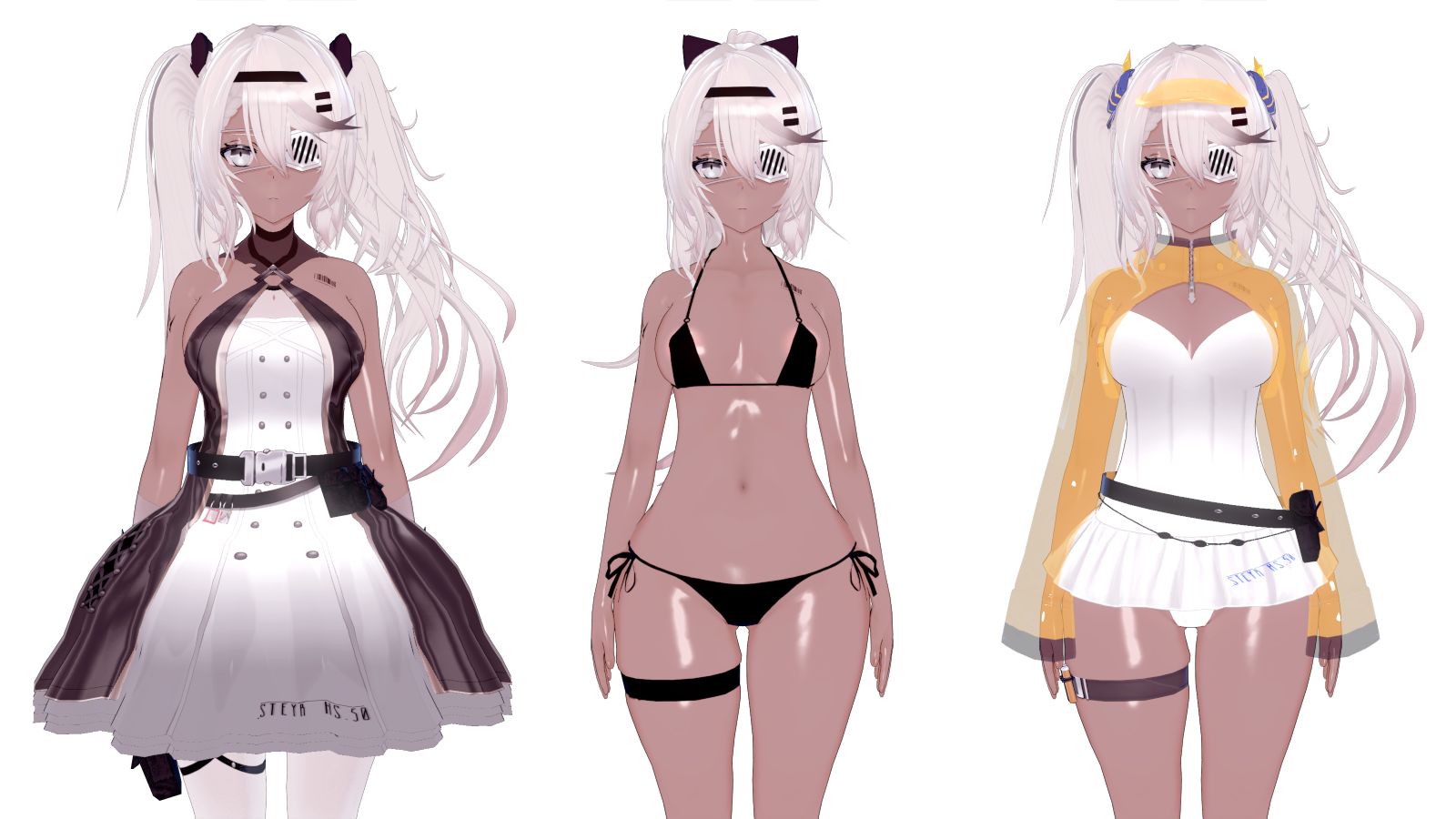
gofile.io Do you guys have the full version of this Mighty meat scene? https://www.pixiv.net/en/artworks/125310264
gofile.io 

 gofile.io

thatcombatwombatauthor name?
New update from GUE.
By the way, does anyone have this scene? I only have the first part.Gofile - Cloud Storage Made Simple
Secure, fast and free cloud storage solution. Upload and share files instantly.
[R-18]エロガキ接待vtuber
リクエストいただいてました。 ありがとうございます。 本編キャラ差し替えをせずにそのままで配布することはありません。 キャラ差し替え後SD →https://monster3323.gumroad.com/l/kizkj?_gl=1*18006vu*_ga*NTA
gofile.io thanks for the explanation, i will try it for a while and will come back for the results ( also may ask if I got confuse hehehe ).This is done using alpha masking and materialeditor. If you use a shader like "MainItemOpaque" or "MainItemAlphaPlus", you will have the option of importing an alpha mask. This is basically like a mask you would use in photoshop, in which anything colored white would be visible, while anything colored black would be hidden. I can't remember if KK treats it the other way around or not, a lot of masks seem to be counterintuitive with the colors you would use for hiding/showing so I'm inclined to think whatever you color as black will be visible, while whatever is white is hidden.
You can easily create your own alpha mask for pretty much any clothing item in the game. What I generally do is export the UV and maintex and overlay the two of them together in Photoshop, and set the UV on top so I can see how the maintex lines up. Then I make a new layer which will be my alphamask, and simply paintbrush what I want hidden and what I want visible with the requisite black/white colors. This can take a lot of trial and error as you have to think in terms of an unwrapped UV: how the game will apply the maintex and therefore how it will apply the alpha mask. I imagine this would be easier to do if you just imported the clothing object into blender and did painting there right on a wrapped UV, but whatever.
Further tweaks can be done in KK once you import the alpha mask, such as cutoff, which determines "how much" of the mask is applied. You can get interesting results with this. If you wanted a wet shirt or somewhat of a see-through effect, but ONLY on the chest, you would do this with an alpha mask with not full black/white for the particular part you want to hide, maybe put some feathering on it so it has a gradation effect, and further tweak it with various cutoff sliders in KK to achieve a softer effect.
This is how people get nipples to show through shirts, if you were wondering. You can take it a step further and dick around with render queues and additional alpha masks for an hour if you want to get the bra to be visible through the shirt too, like so:
There are also specific alpha masks you can use as skin overlays, which are known as bodymask overlays. If you've ever removed the clothes from a character and wondered why their entire torso is invisible, it's because they have a bodymask in their overlays and you have to go remove it for that particular outfit selection. Bodymasks are used to reduce or completely eliminate clipping. You can mask out entire parts of the body so they don't show through clothing at all, as the game will simply pretend those sections colored in the mask are not there.
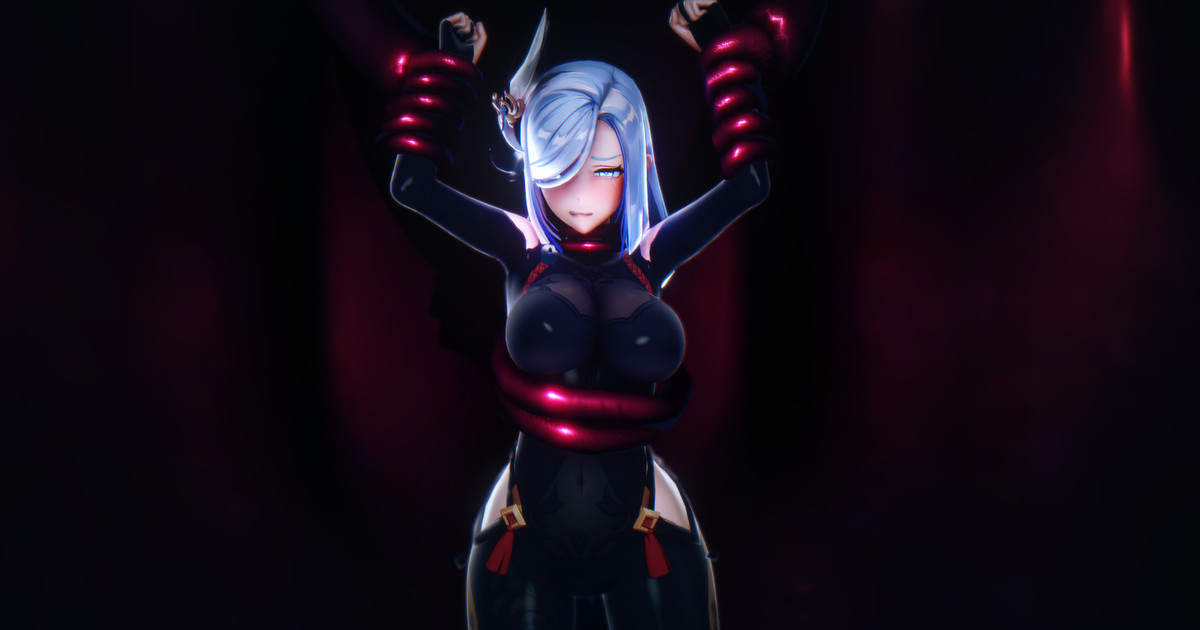
maybe rogue nine x.com/rouge_nineGuys, is this Koikatsu scene? Who artists? And scene please


 rleoool.fanbox.cc
 Thank you, hero

ty💕download manually my friend, they are a bit heavy to upload hereKemono
kemono.su
New update from GUE.
By the way, does anyone have this scene? I only have the first part.Gofile - Cloud Storage Made Simple
Secure, fast and free cloud storage solution. Upload and share files instantly.
[R-18]エロガキ接待vtuber
リクエストいただいてました。 ありがとうございます。 本編キャラ差し替えをせずにそのままで配布することはありません。 キャラ差し替え後SD →https://monster3323.gumroad.com/l/kizkj?_gl=1*18006vu*_ga*NTA
Gofile - Cloud Storage Made Simple
Secure, fast and free cloud storage solution. Upload and share files instantly.
any chance for the full pack エットレ ?This should be the originalGofile - Cloud Storage Made Simple
Secure, fast and free cloud storage solution. Upload and share files instantly.

bumpDoes anyone have these bono cards?
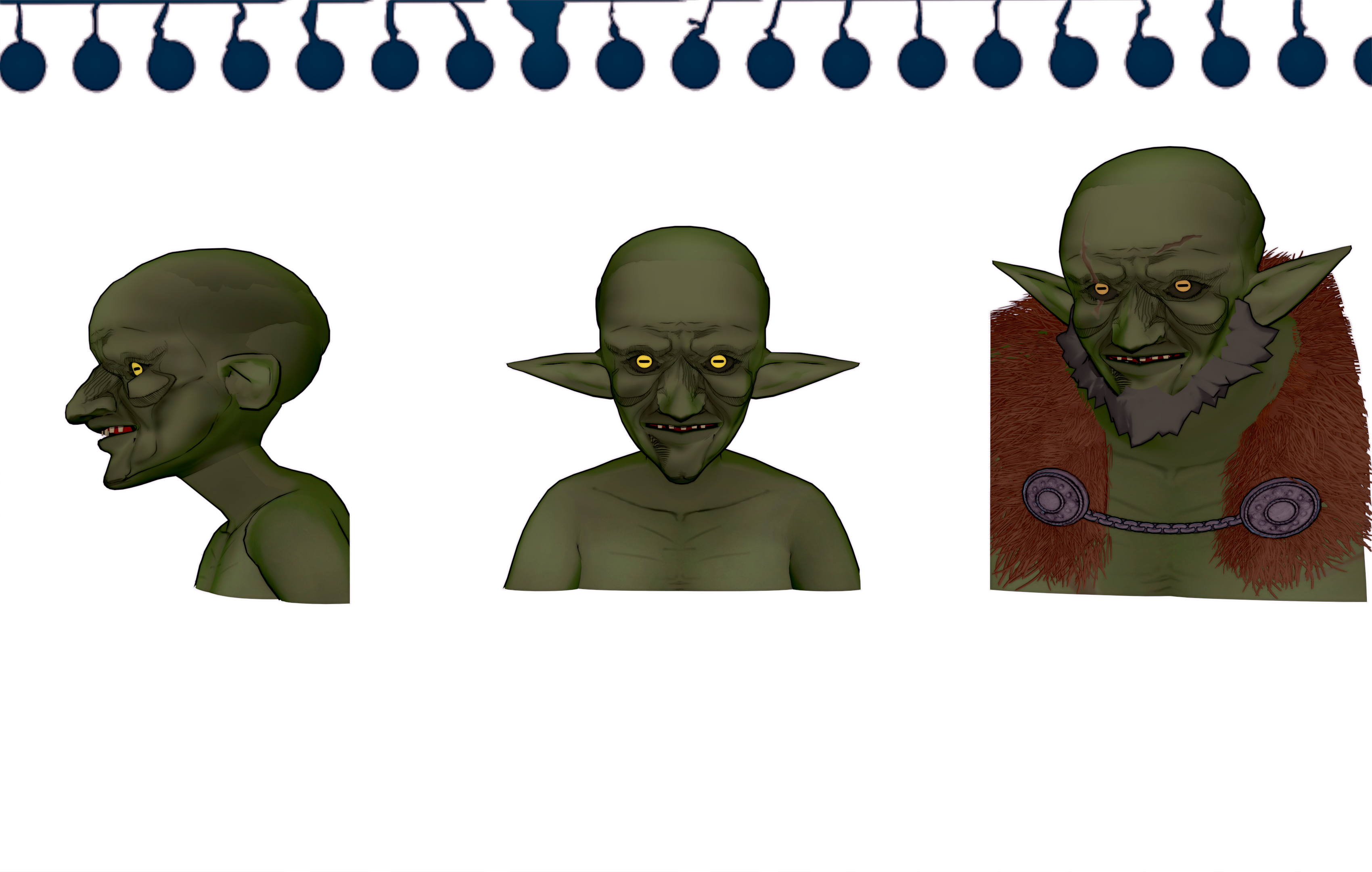
How do you extract a short 10 second loop from the middle of a longer 2 min timeline animation?stop posting your stupid tech support questions. this is for sharing scenes and cards. not tech support. take that to the fucking discord. you morons always turn these threads into a garbage pit of braindead tech support and begging.

Be the change you want to see in the world. Share some scenes.stop posting your stupid tech support questions. this is for sharing scenes and cards. not tech support. take that to the fucking discord. you morons always turn these threads into a garbage pit of braindead tech support and begging.
It seems you missed the part where I, and several other people, have told you this guy is a mentally ill sperg?Just checked back on your Bepis page, holy fuck, how chronically online do you have to be to unironically say this over a few small nondescript antagonistic comments? If anyone is toxic here, it's definitely not any of us here man, it's you.
Take a break from the internet and seek genuine help or therapy.


