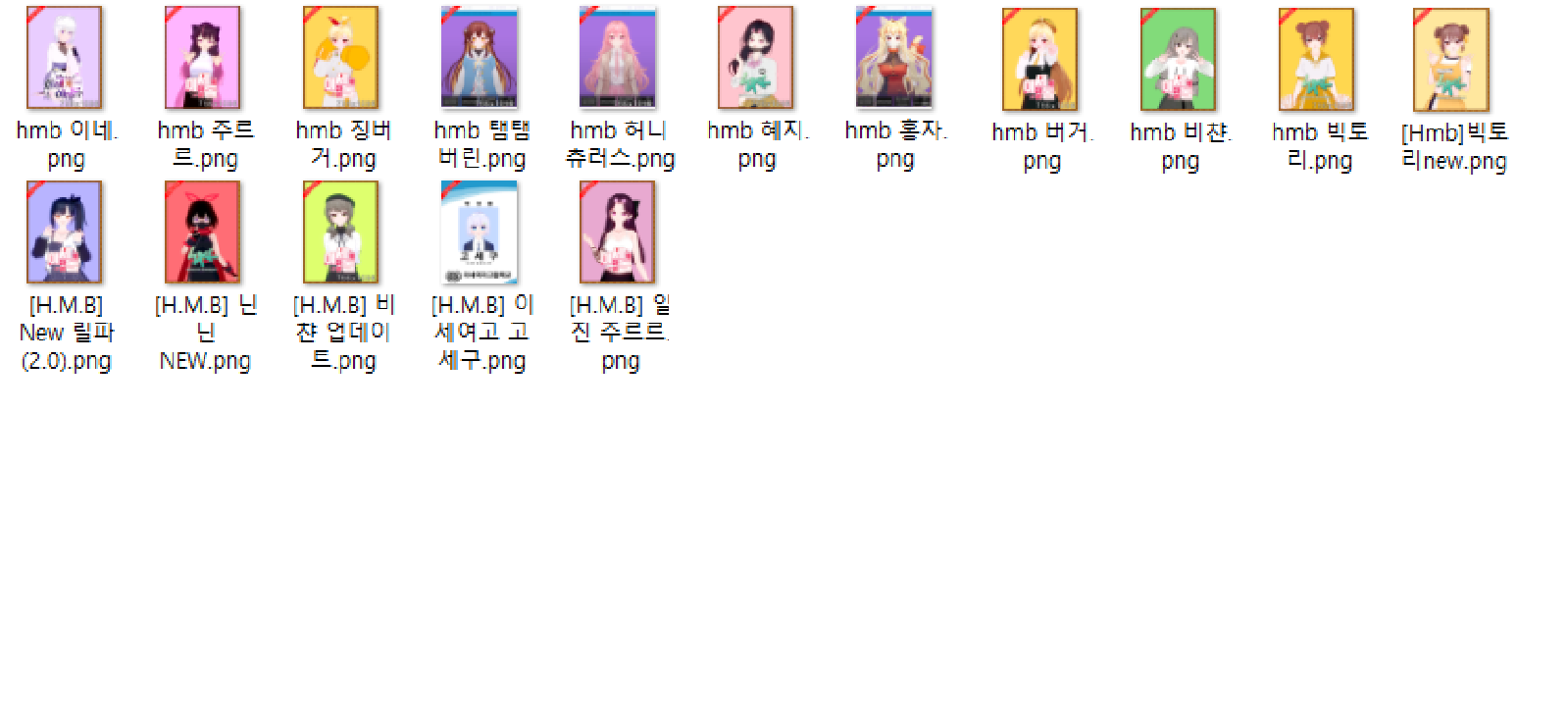
I just exported them from the scene, reimported them into charamaker, and saved them as is and just made sure there wasn't anything odd going on. If you skip straight from the exported one the card is often 'fucked up'. I've heard people say you need to make sure you reset the character to a T-pose before exporting but feeding the card into charamaker does the job too.
I'm guessing you're referring to some of them missing the hair and etc. that's because on his older cards only the slots with outfits accessories.
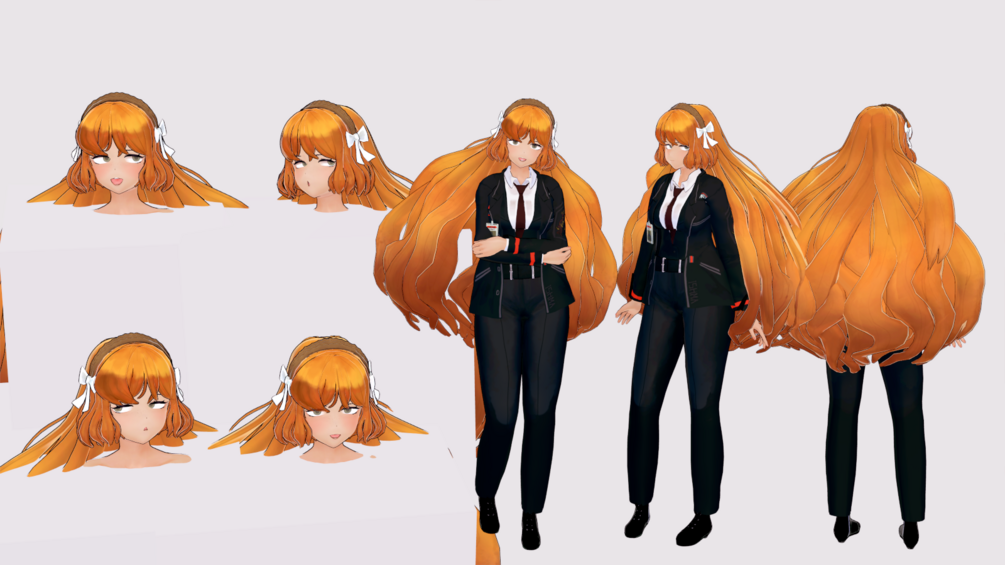
If you're referring to hair color and skin tones looking different, that's because of the shaders MLM uses. Ie that redheaded gal has her hair turn almost black/brown in the scenes she's in due to shaders and lighting
I compared a Moonlight Mask card exported via StudioExtract with the same card exported and then re-saved in Maker without any changes. I found that the main difference lies in the plugins. The following plugins are used in Studio:
- com.deathweasel.bepinex.eyeshaking
- com.deathweasel.bepinex.colliders
- com.deathweasel.bepinex.eyecontrol
- com.deathweasel.bepinex.animationcontroller
- BetterPenetrationController
- Keitaro.UncensorDetails
- kkpe
- KK_InvisibleBody
- orange.spork.fkheightadjustuiplugin
After re-saving the card in Maker, all of these plugins disappear. This is why using a card directly without re-saving can result in issues like deformed bones (kkpe) or missing body parts (KK_InvisibleBody).
However, there’s a downside: the plugin packs used by the original authors may not match ours. They might be using HF, RX, or even Gilleco, and some plugins, such as Sauceke.SexFaces, could cause certain data to be lost after re-saving if we don’t have them.
Even though there are many excellent plugins and tools, the community still lacks a tool that can batch-remove specific plugin data outside the game. In my view, StudioExtract remains the best card export tool, as it preserves most of the information and generates thumbnails that can be used in KK Manager.

 zepi.gumroad.com