
moZZone
KK Master
Try changing the position of the legs in this setting.

guy, how to fix?
*the 2nd pic is the SD
It may also be due to a plugin affecting Stiletto type leg knots, etc.


Try changing the position of the legs in this setting.
guy, how to fix?
*the 2nd pic is the SD
i try but not workTry changing the position of the legs in this setting.
It may also be due to a plugin affecting Stiletto type leg knots, etc.
Have you tried disabling the Stiletto plugin?i try but not work

Weird, I can get it to look how it should in the image by going to fk & ik, disabling it, then going to animations and making them t-pose, then enabling fk and ik but the moment I activate the timeline it goes right back to looking cross eyedi try but not work
I have loaded the scene and it is working stably. Maybe it's the installed plugins.Weird, I can get it to look how it should in the image by going to fk & ik, disabling it, then going to animations and making them t-pose, then enabling fk and ik but the moment I activate the timeline it goes right back to looking cross eyed

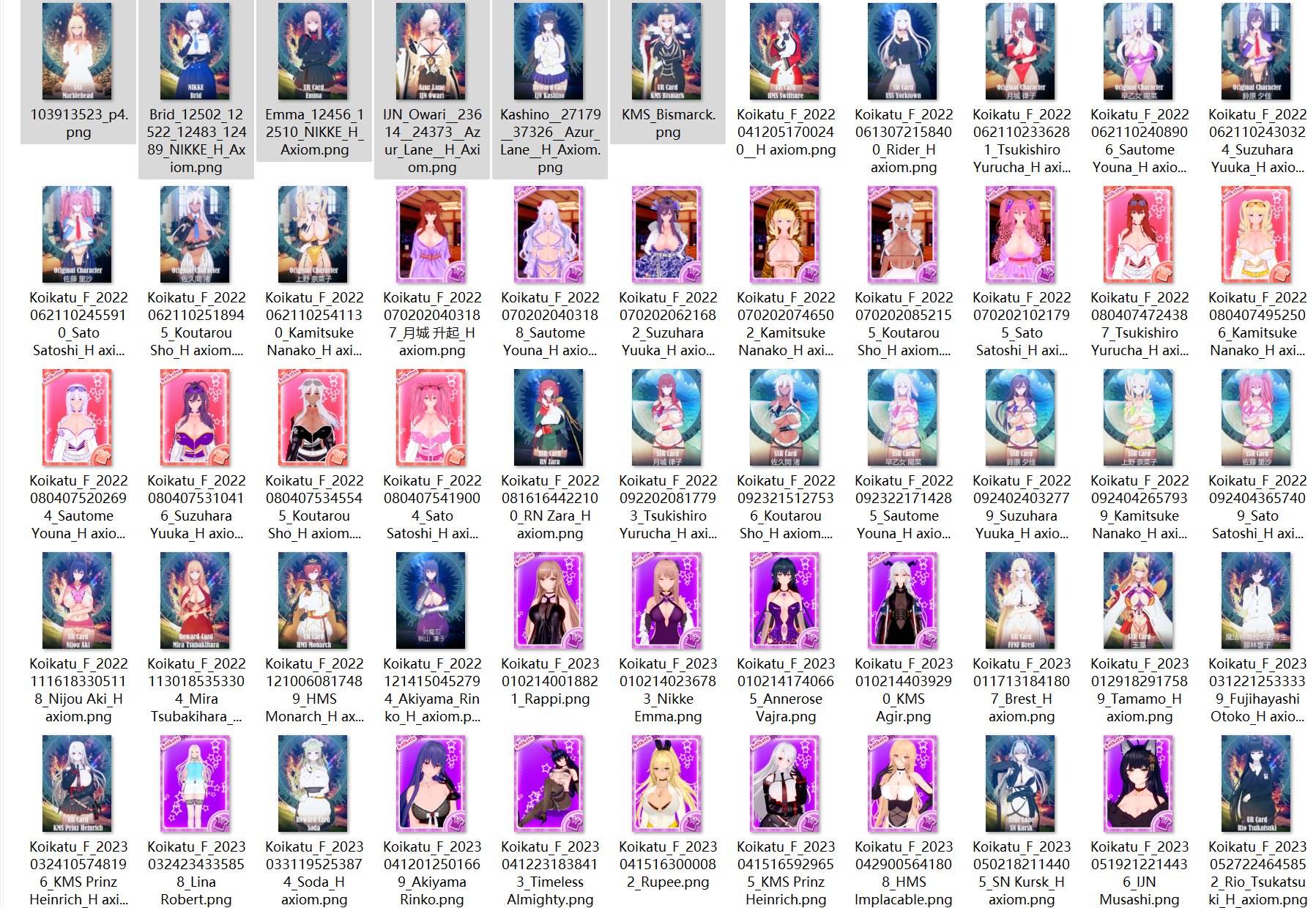
thank you for the card, can you share the clothes overlay for Uehara Rin card ? I downloaded it but it not display rightThis is a h axiom collection. If anyone has the remaining cards, please feel free to add them. If someone posts his Iowa cards, please call me. https://gofile.io/d/ghbzvZ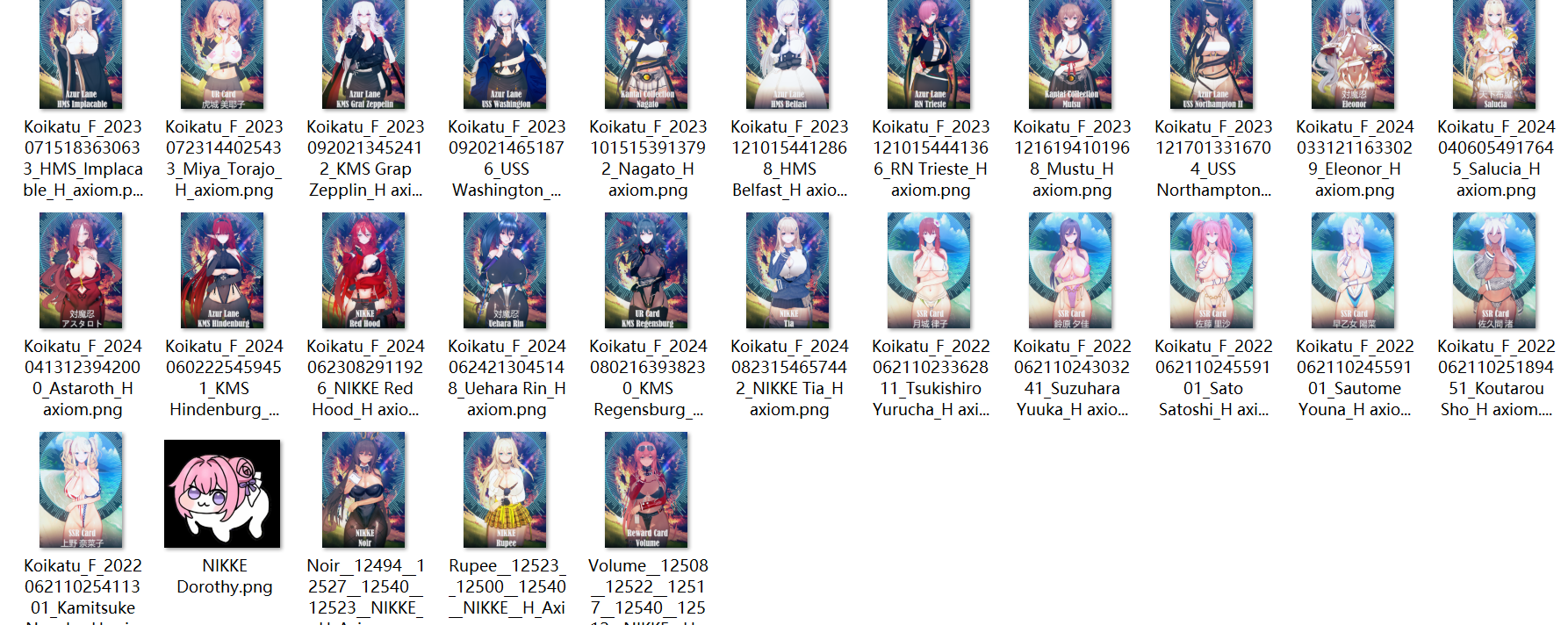


AYOOOOOOOOOOO, MY NJGGAAAAAA, IT'S FKING WORK!!!!!!!!!!!!!!!! TKS U <3
https://litter.catbox.moe/yqx4r0.png
Anyone know the creator of this card?It a ten-minute timeline scene with audio.That's crazy.
AYOOOOOOOOOOO, MY NJGGAAAAAA, IT'S FKING WORK!!!!!!!!!!!!!!!! TKS U <3
Seth_o_Night, but I modify her for my personal useJust a curiosity of mine. Whose Yuzu are you using?
I dont mean to nag but can you share them please :3I'll share the rest of his cards that I have, which isn't many.

Sorry, I don't have the overlay. The reason I chose to share this creator's work is that their cards generally don't require additional mods. You might want to try updating your integration pack version.thank you for the card, can you share the clothes overlay for Uehara Rin card ? I downloaded it but it not display right
Could you help fixing this issue please?Try changing the position of the legs in this setting.
It may also be due to a plugin affecting Stiletto type leg knots, etc.

 www.pixiv.net
 gofile.io
  gofile.io
 If you are talking about the problem with your legs, then you need to go to Manager and disable the "Stiletto" plugin in the plugins section.Could you help fixing this issue please?
Koikatsu card sharing request thread. コイカツ koikatu!
Koikatsu card sharing request thread. コイカツ koikatu!xe.266413.xyz
 www.pixiv.net
  gofile.io
 There may be several reasons for this.Does anyone know that after changing the char, Dick is no longer in the body, how to solve it?(hf3.32)


No. The problem is this scene data cannot show speech correctly. You can view the screenshot here:https://pixvid.org/BueRnyIf you are talking about the problem with your legs, then you need to go to Manager and disable the "Stiletto" plugin in the plugins section.
Sometimes problems with the leg position can be changed body proportions through AdvanceBoneMod in CharaMaker. This is already a problem with the card itself and you need to use a character with a similar height and proportions.
By the way, please tell me if you met the same problem.If you are talking about the problem with your legs, then you need to go to Manager and disable the "Stiletto" plugin in the plugins section.
Sometimes problems with the leg position can be changed body proportions through AdvanceBoneMod in CharaMaker. This is already a problem with the card itself and you need to use a character with a similar height and proportions.
If I'm not mistaken, this is a problem with shaders and lighting. Graphic mods may not display textures correctly, for example, they may display Round Shadow as a black square rather than a rounded translucent shadow. Try changing the shader in the "Image plate" and change the Alpha settings in them.No. The problem is this scene data cannot show speech correctly. You can view the screenshot here:https://pixvid.org/BueRny
And here is the original scene data:https://gofile.io/d/SNLZo7
I have encountered this problem. However, it was a long time ago on the old build, I manually rebuilt the directory of plugins and mods and most of the problems disappeared. However, there are problems with very old scenes.By the way, please tell me if you met the same problem.


thx,bro,I get itThere may be several reasons for this.
Of the most obvious, BP controller is turned off or penis is selected without BP support, so make sure that you have the correct settings. Also, look in Nodes Constant (Ctrl+I) to see if your nodes are missing.
Another reason is that the Penis from Studio does not follow the basic one.
You can send the Scene and we can try to solve the problem together.
So I need to update my Graphic mods? May I know which mods and plugins I need to update please?I have encountered this problem. However, it was a long time ago on the old build, I manually rebuilt the directory of plugins and mods and most of the problems disappeared. However, there are problems with very old scenes.
as you can see, there are no problems with the scene itself.
Or maybe I need to setup something in Material Editor?If I'm not mistaken, this is a problem with shaders and lighting. Graphic mods may not display textures correctly, for example, they may display Round Shadow as a black square rather than a rounded translucent shadow. Try changing the shader in the "Image plate" and change the Alpha settings in them.
bumphello, does anyone have DEF reikaeye mod?
So I need to update my Graphic mods? May I know which mods and plugins I need to update please?
 drive.google.com
 I'll try! Thank you so much!KKSEv3 - Google Drive
Kemono
kemono.su
You can download this build from KosoruCG, but you must additionally download Sideloader Modpack. I haven't tested this build much yet, but there are few conflicts. Try downloading it and using it. If something is wrong, you can always download the repack from Screw+HF patch.
Unfortunately, I can't advise you on installing plugins, as I haven't fully figured out their conflicts and interactions yet. Therefore, the only option is to download clean builds and gradually supplement them with your own plugins that you are sure of.





