
champmaverick
New member

how do i use an accessory like this feet mod without the original feet clipping?

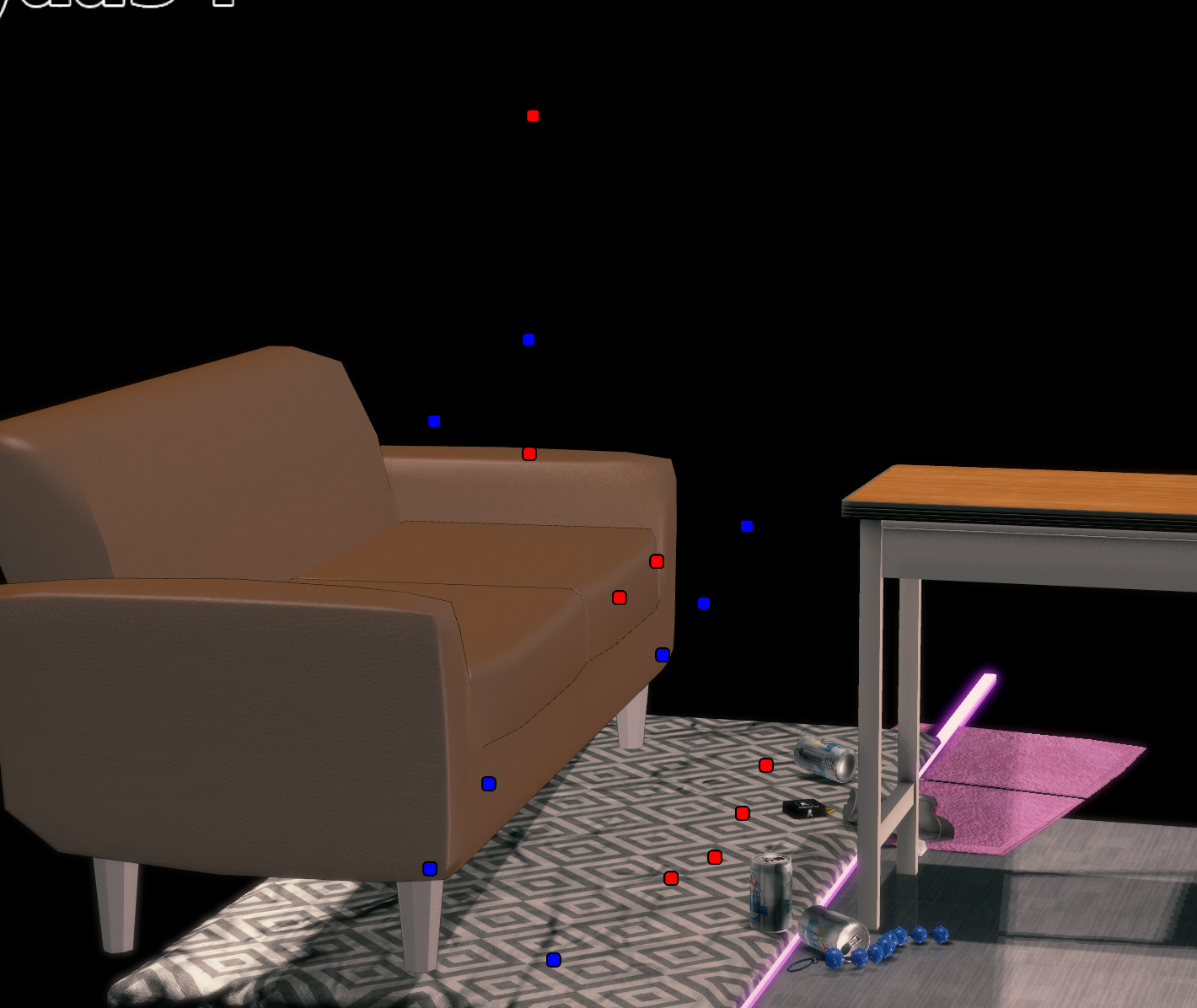

I have that exact card, yet had no such issues weird : o (I do not play the main game, only studio)
I can think of another thing though, try adjusting the eye white's render queue, perhaps the iris is rendering behind the eye whites, causing what ur seeing right now.
Here's the steps :
- Open ME
- find the cf_m_sirome material (This is for the eye whites)
- Adjust the renderqueue up or down (or both to test) a few hundred values

Tried finding the material in all, body, face and eyes. it wont show. so instead I just change the render of the iris(hitomi) to around 4k to render them last, still wont work. Can you try sending the card(and the mod if possible)? maybe my card is the issue before I give up
Edit: After putting it on 3041, its now working. Hopefully it lasts or if anyone encounters this same issue. They can try doing this:
On the Eyes ME, try to change the render queue of cf_m_hitomi_00 to 3041

Double-tap the control axis icon在 imsayaa 的最新几个场景中,有些节点无法取消,重启工作室或重新导入都无法解决此问题。但是,其他场景没有出现此问题。我该如何取消这些节点?
You should just replace it with another item
[图片]https://pixvid.org/images/2026/05/04/gnLk4.png[/img]
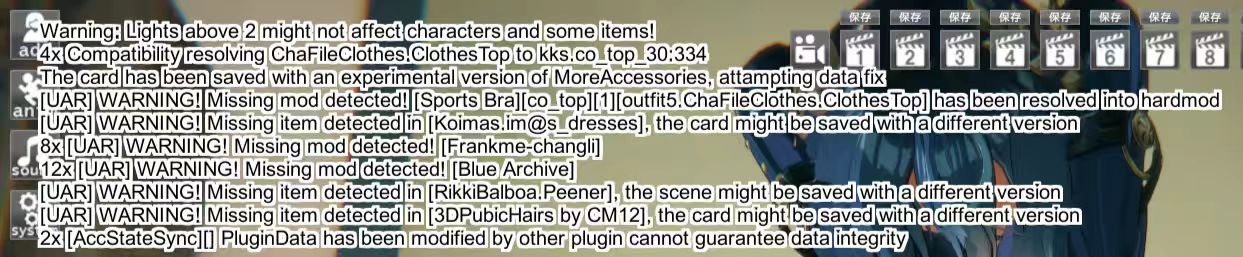
I need help. In the scene card, the male character's genitalia has turned into a sphere. Is it missing a key mod? (The scene card author is Tez)


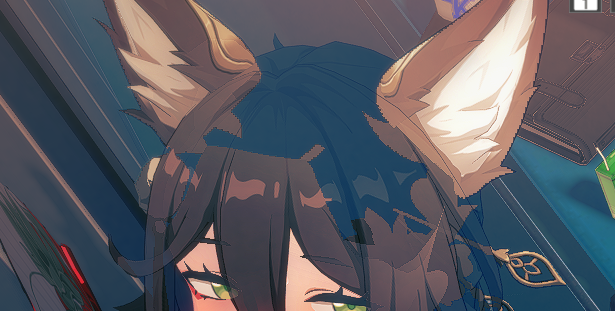
Wasn't the hidden indicator red when the item was partially removed?Hi,
I need some help for the hide underwear thing with the alpha mask.
The undershirt and suspenders pop out through the jacket, so I thought of adding some alpha mask to hide the suspenders and the undershirt, when the jacket is on
At first it looks exactly like I want but
when the jacket is in half state her nips pop out
I roughly know that there are some specific color to hide clothings but i'm not really familiar with it
The alpha mask if it helps :
The undershirt
The suspenders
It's probably set as an item under “Effects” in the workspace,
when i change characters in annaanon scenes their hait becomes transparent like this anyone know how to fix it?
It's good now, it was the outfit itself that was not good with big breasts. I fixed it with Blendshape creatorWasn't the hidden indicator red when the item was partially removed?
i tried disabling and the deleting the effects folder itself and the contents inside, also checked the the character's folder but nothing fixed itIt's probably set as an item under “Effects” in the workspace,
so select it and move it to a different position.
Adjust the “Projectors” as welli tried disabling and the deleting the effects folder itself and the contents inside, also checked the the character's folder but nothing fixed it
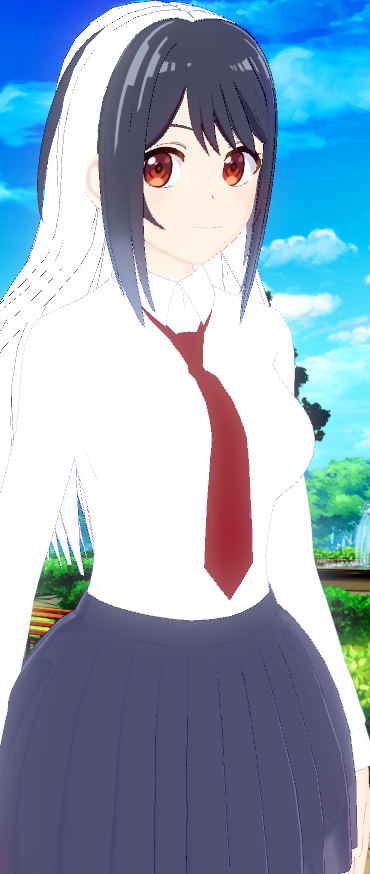
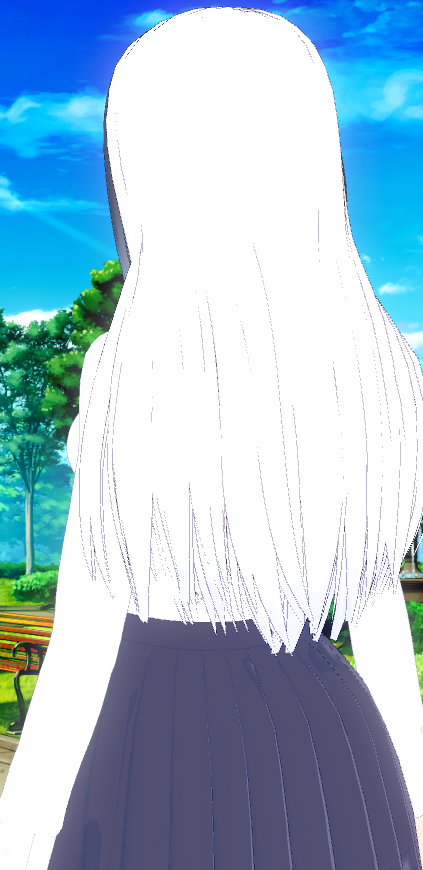
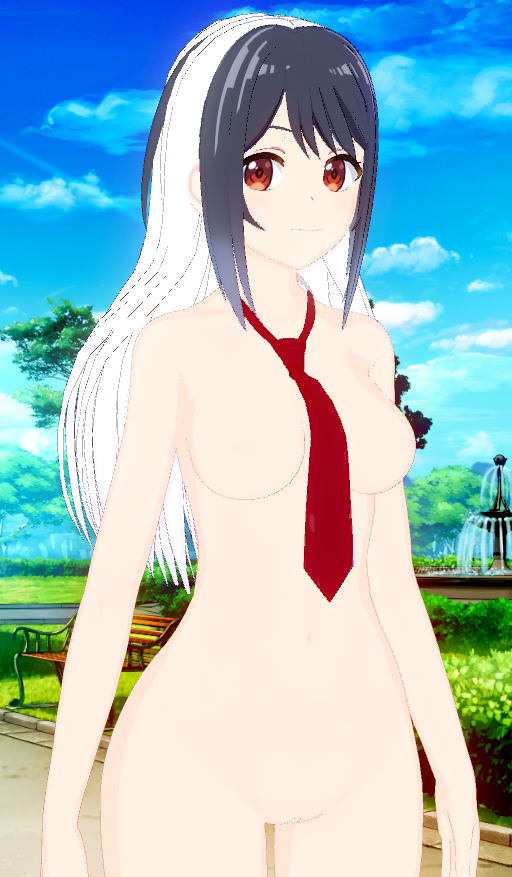
it wasnt in projectors either but i did figured it out tho thanks for helping outAdjust the “Projectors” as well


search base64Where I have to put this in "aHR0cHM6Ly9yYW5vei5nZy9maWxlL3ZyeTI5RUt0"
Thank in advance 🙏🙏🙏search base64


 www.pixiv.net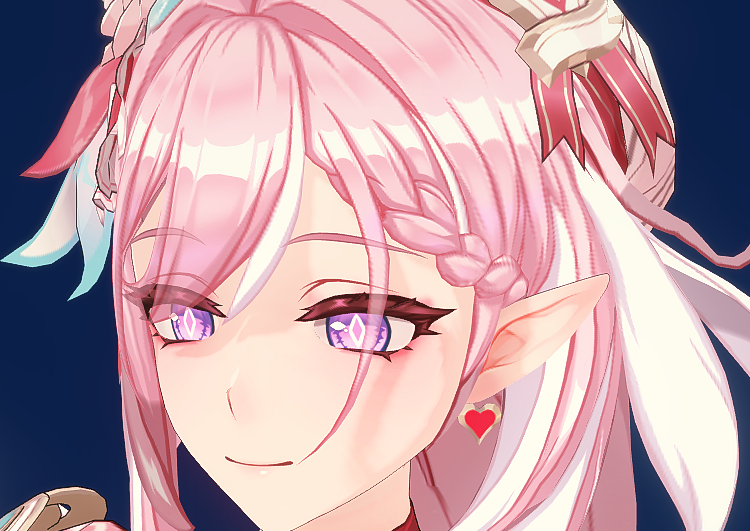
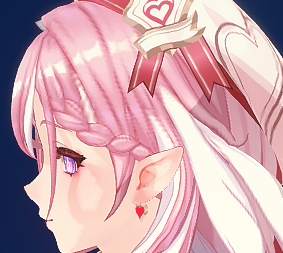
Had a new problem today. Trying to load some character cards with .zipmod accessories, like hair, causes the hair to appear around/under their feet. If I change any settings with the accessory, it reverts back to that position when I change outfits or reload the card. I don't know what to do.
I updated HF patch and still had this problem. Should I reinstall the whole game at this point?
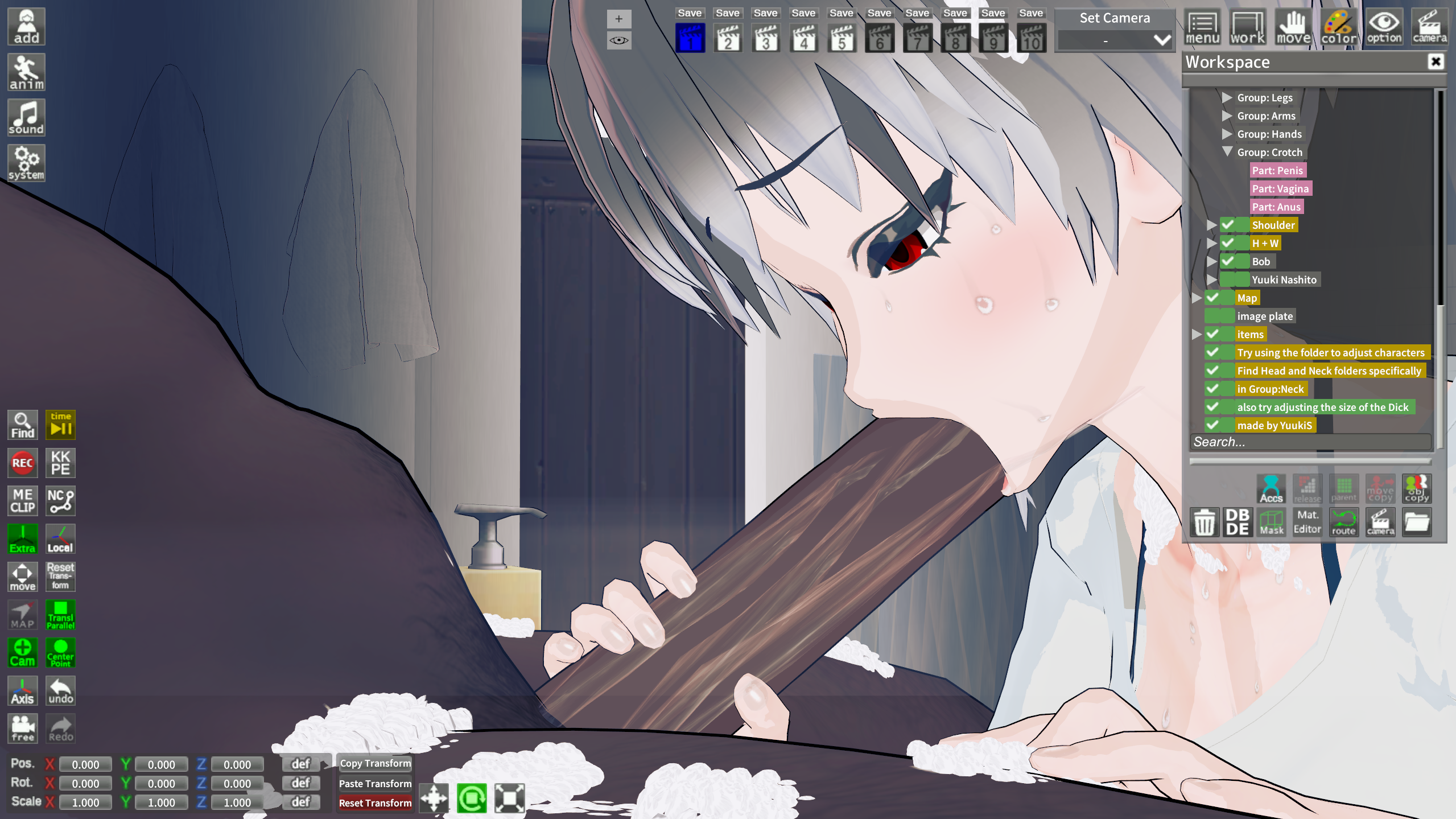
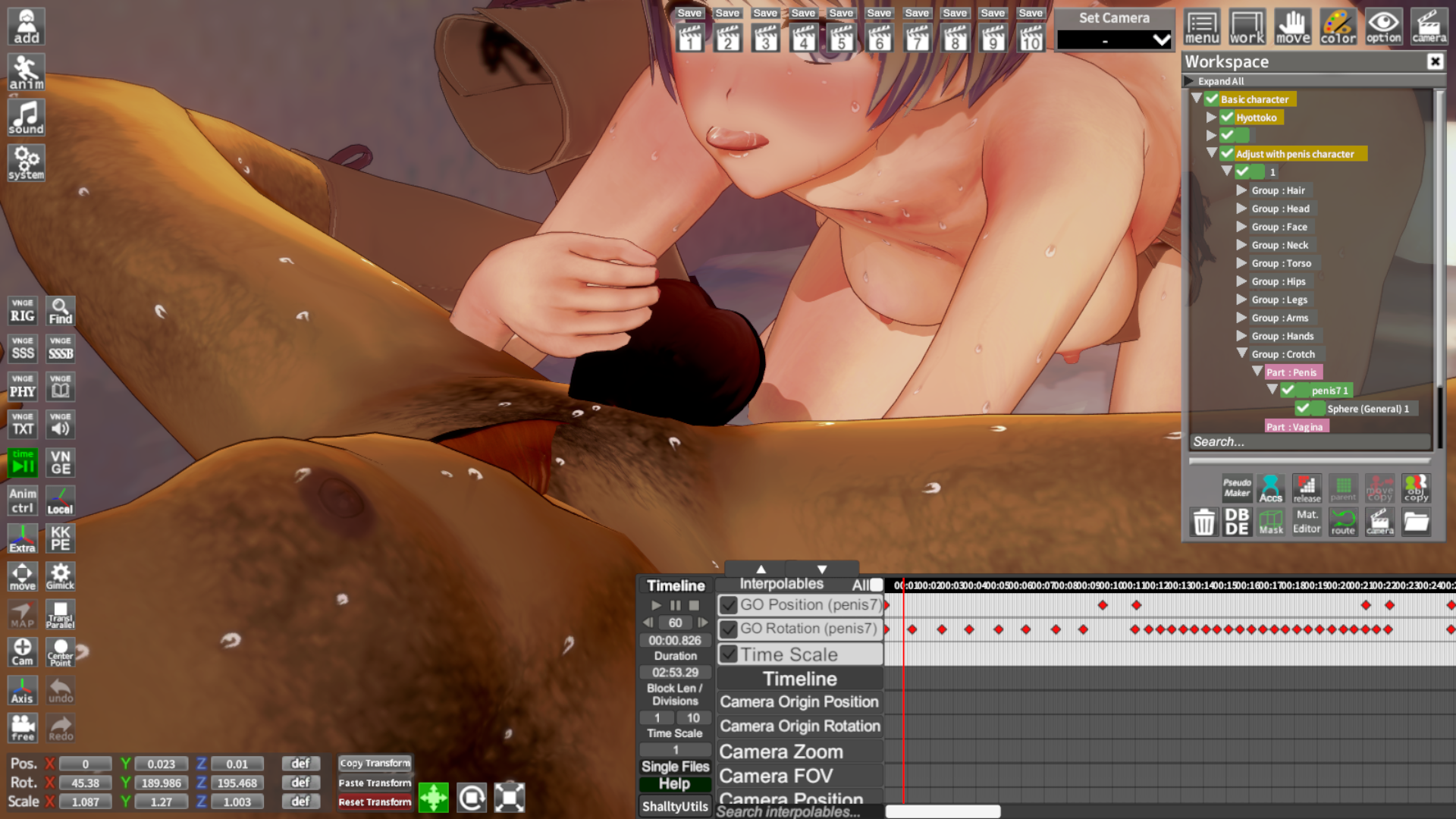
Since this is the user's own item rather than an in-game item, you can change it from the “Anim” menu.Anyone know how can I adjust the size of the dick? (The scene is Lala form to love-ru by Yuukis)
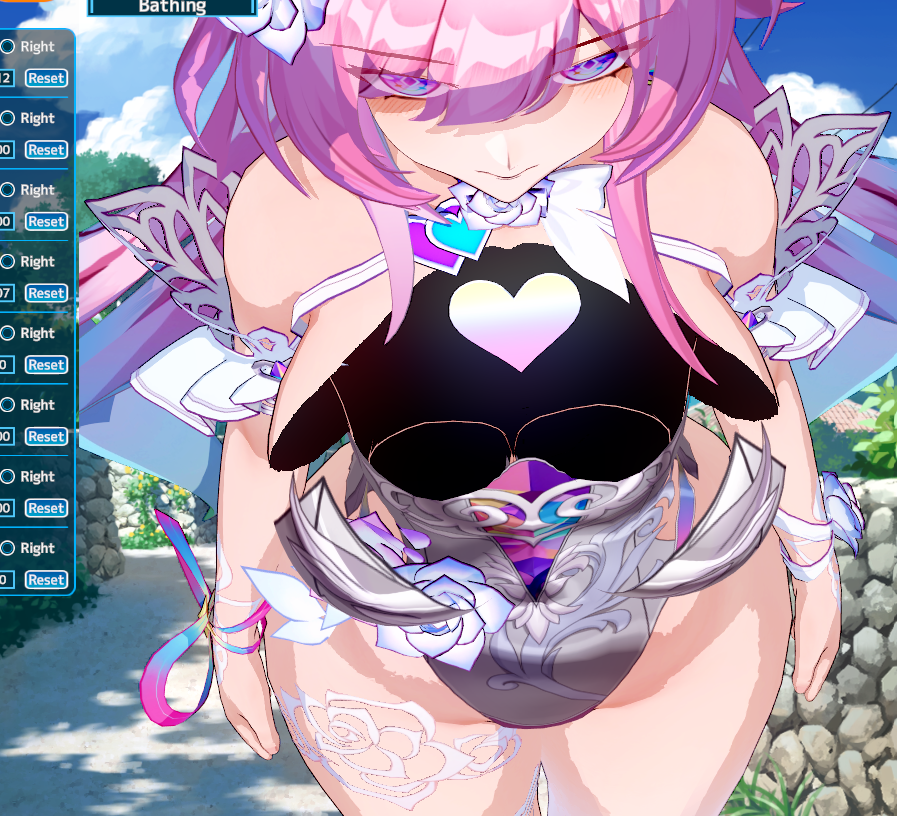
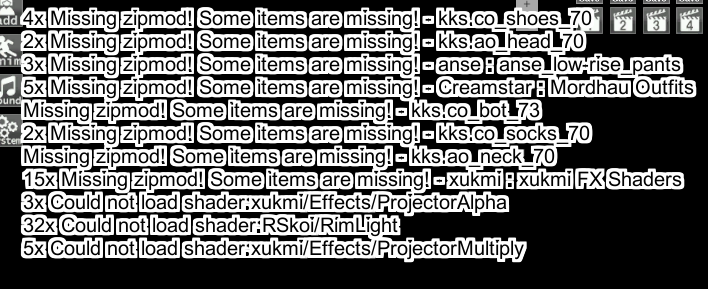
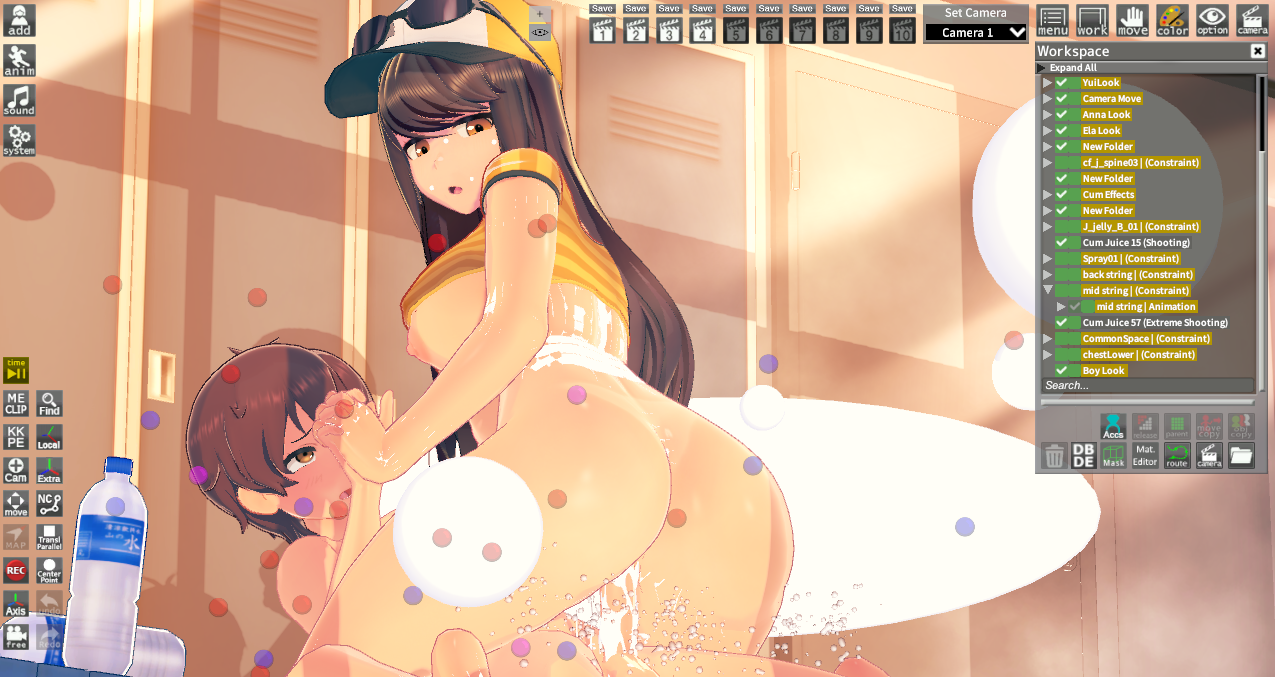


My Top 5@Stigma
Requesting a List of (Sex) Scene Data Creators, I have currently no idea what to do in Charastudio for Now
www.pixiv.net www.pixiv.net www.pixiv.net www.pixiv.net SorryBtw you can just dm me, bro.

wow what feet mod is that?
how do i use an accessory like this feet mod without the original feet clipping?


